Error: User does not have permission to perform this action when creating the fresh Identify instance
Issue
At the Identify configurator, the user uses Window authentication to access the tenant database step like below:
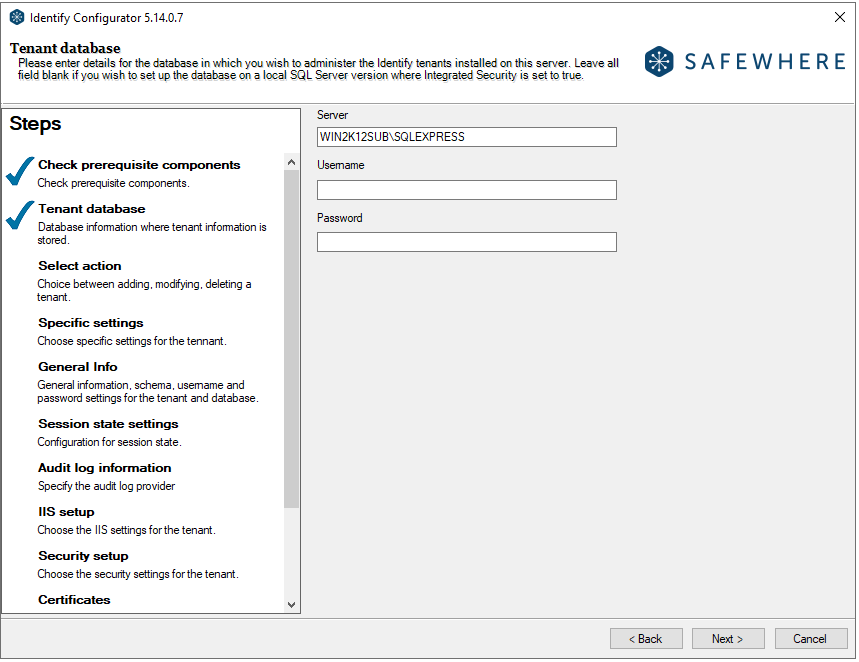
After that, he creates the Identify instance.However, he gets the error: User does not have permission to perform this action.
Reason
Although this credential has the db_owner access to the Identify database, we need to verify if his account has the server role: securityadmin
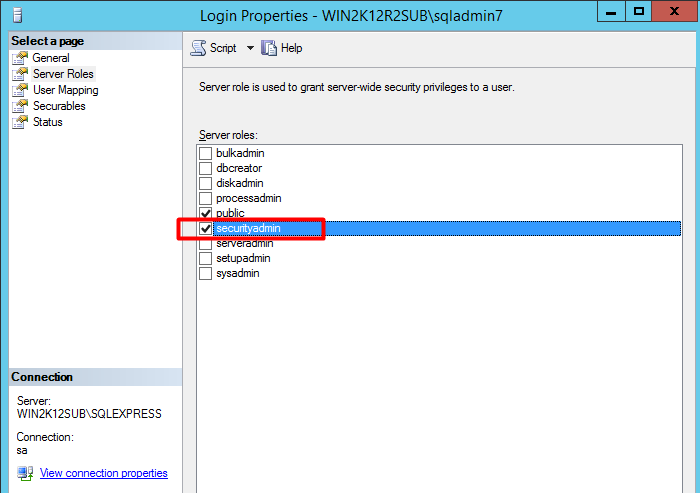
This is required because this role allows to GRANT, DENY, and REVOKE the user access to the Identify databases. If you want to avoid granting the window account the securityadmin role, you can grant the minimum access like the following:
- Grant the user the permission: Alter any login at the "Securables" page
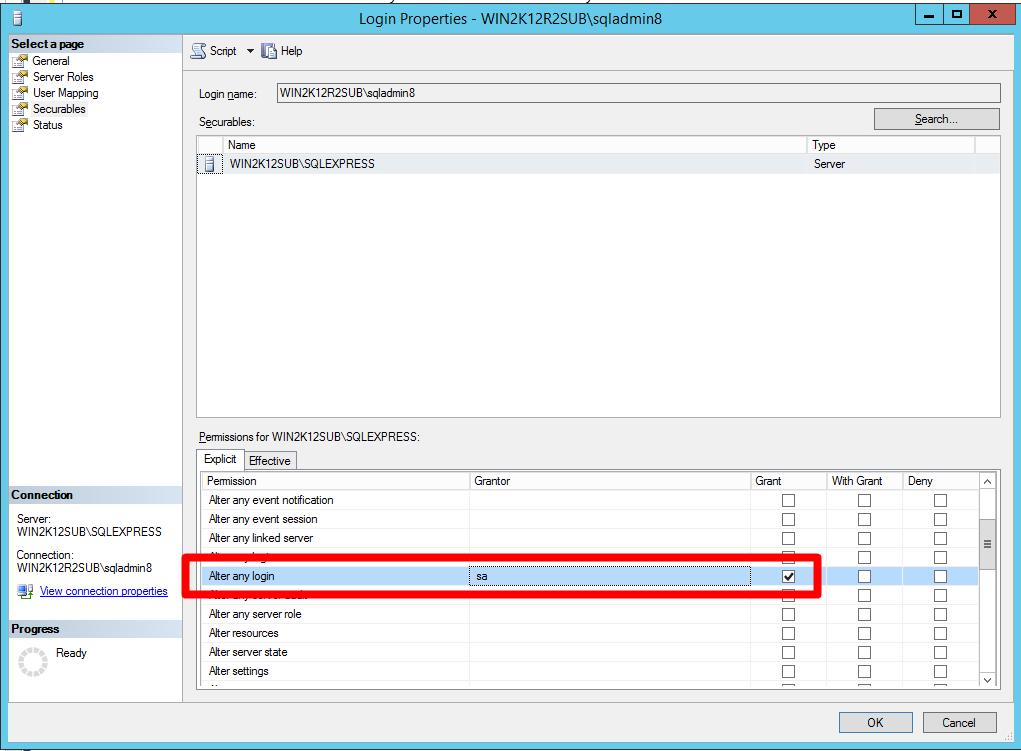
Explanation: This permission is used for "CREATE LOGIN" the database user as well as granting him the permission to this instance schema.
- Grant the user the permission:TargetServersRole for the mdsdb at the "User mapping" page
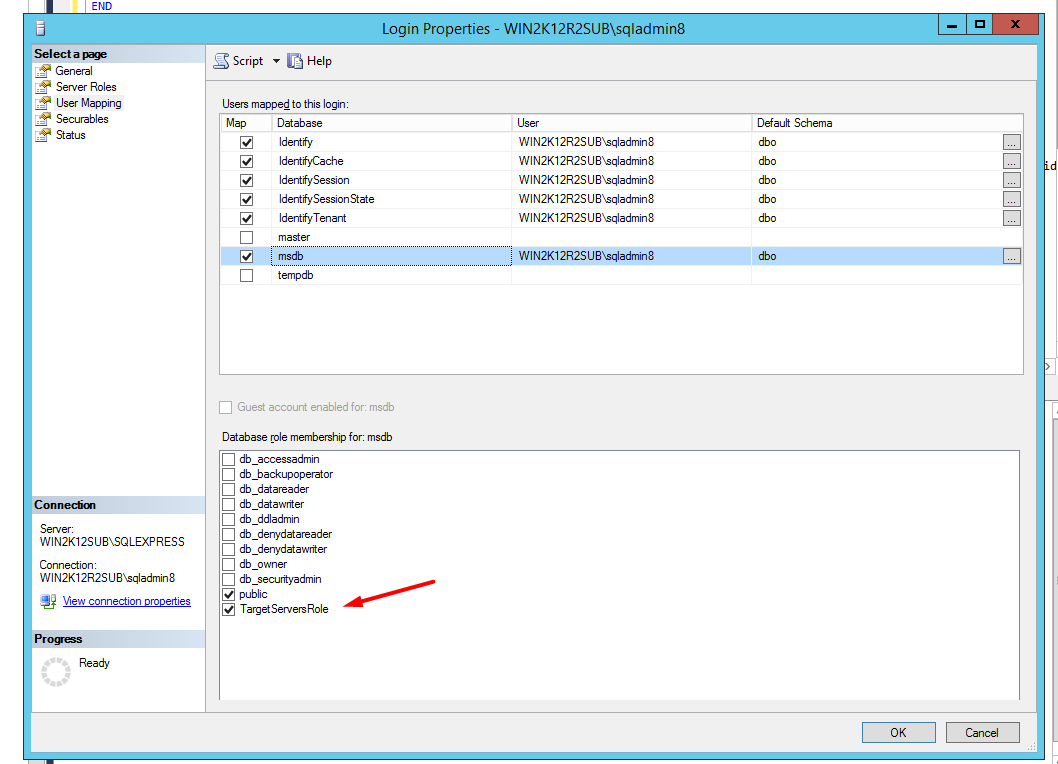
Explanation: it is used for the instance deletion where we have script to verify the jobs at the msdb for that the database user for the instance before dropping it user.